Overview
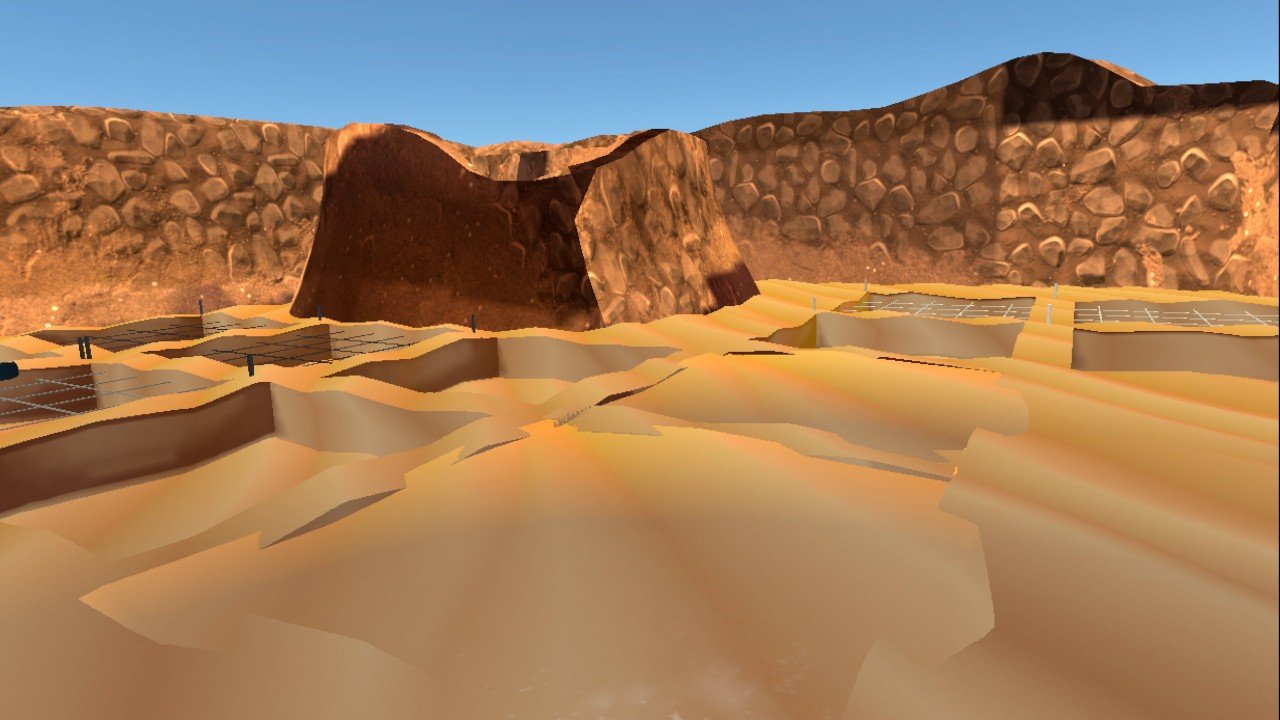
The statue project showed how the 'Ain Ghazal statues were made. This one shows how they were found. Set at the time of the discovery, it puts visitors on the excavation site and guides them through how archaeologists actually uncovered the statues: the process, the tools, and the care it takes.
What visitors do
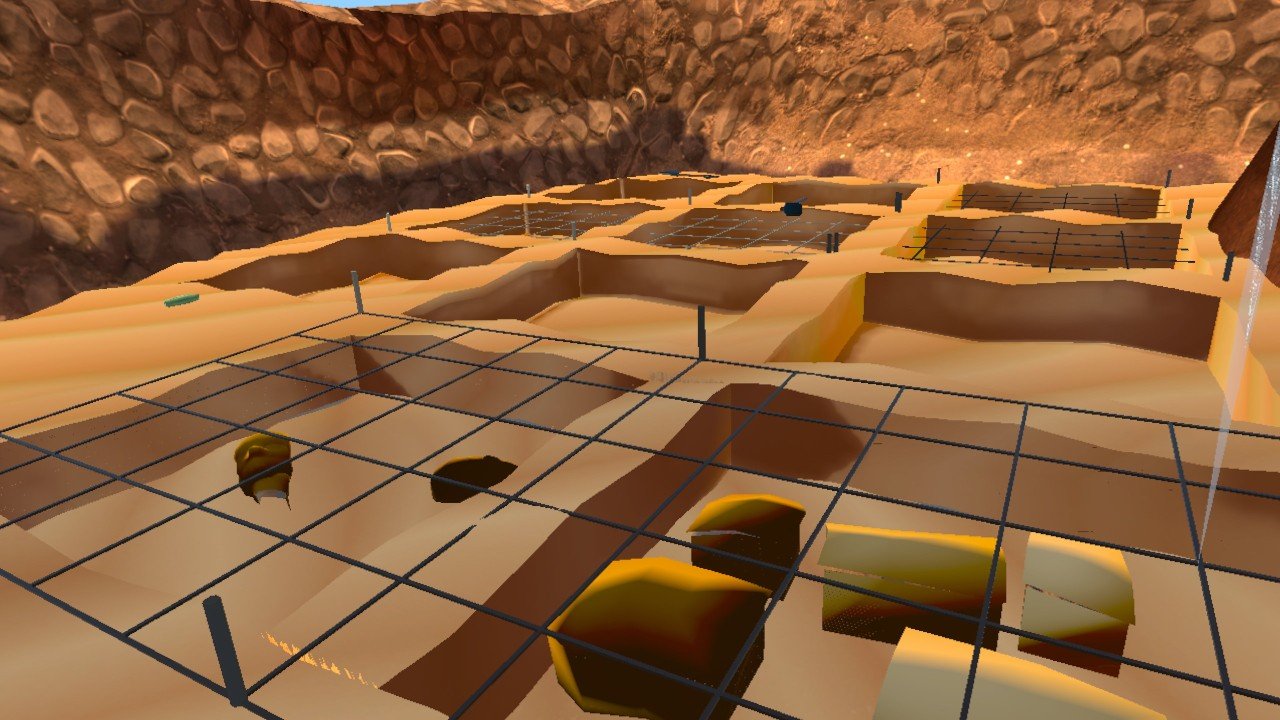
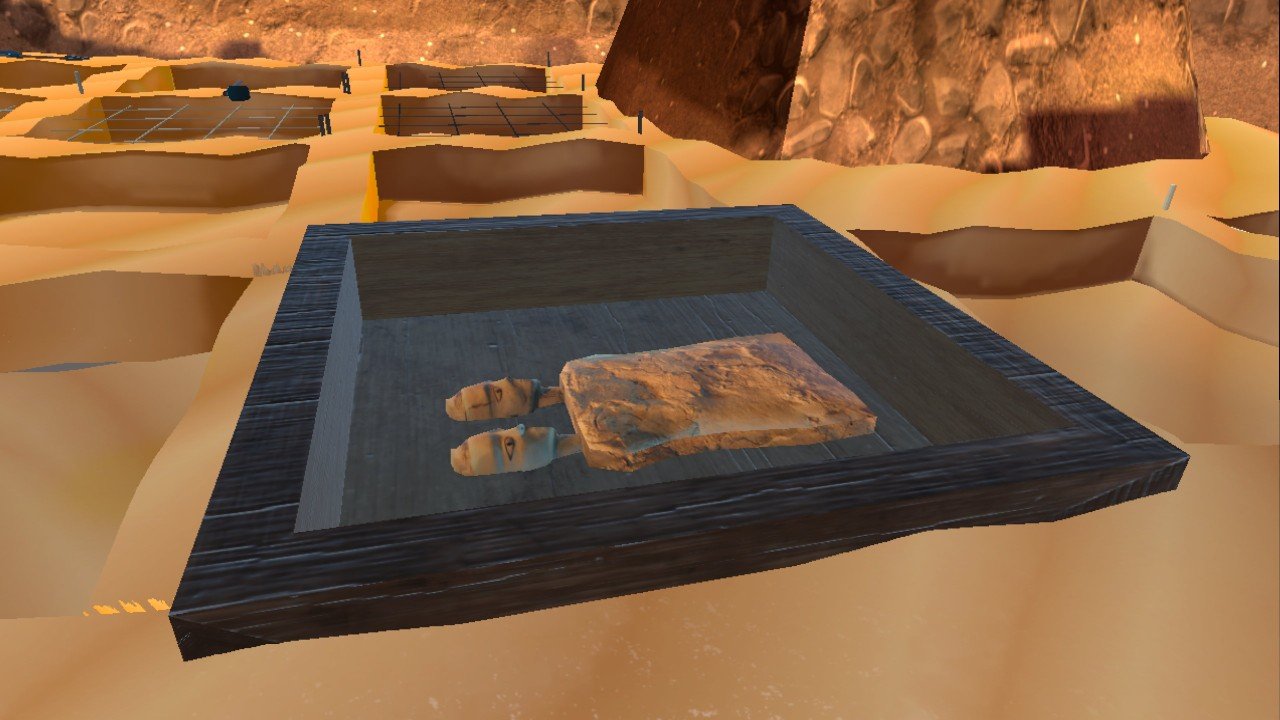
Visitors arrive at the dig site. Narration and text first explain what the statues are and how they were found. Then visitors are guided step by step through the excavation, following how it was really done: breaking the ground with a pickaxe, digging the marked areas slowly with a small trowel, uncovering the statue pieces within the grid, and lifting them into a wooden box to be taken to the museum. The whole experience takes 30 seconds to a minute.
How the design evolved
I reviewed each build, tested it, and gave design feedback and fixes throughout development. The main changes:
Showing where to dig
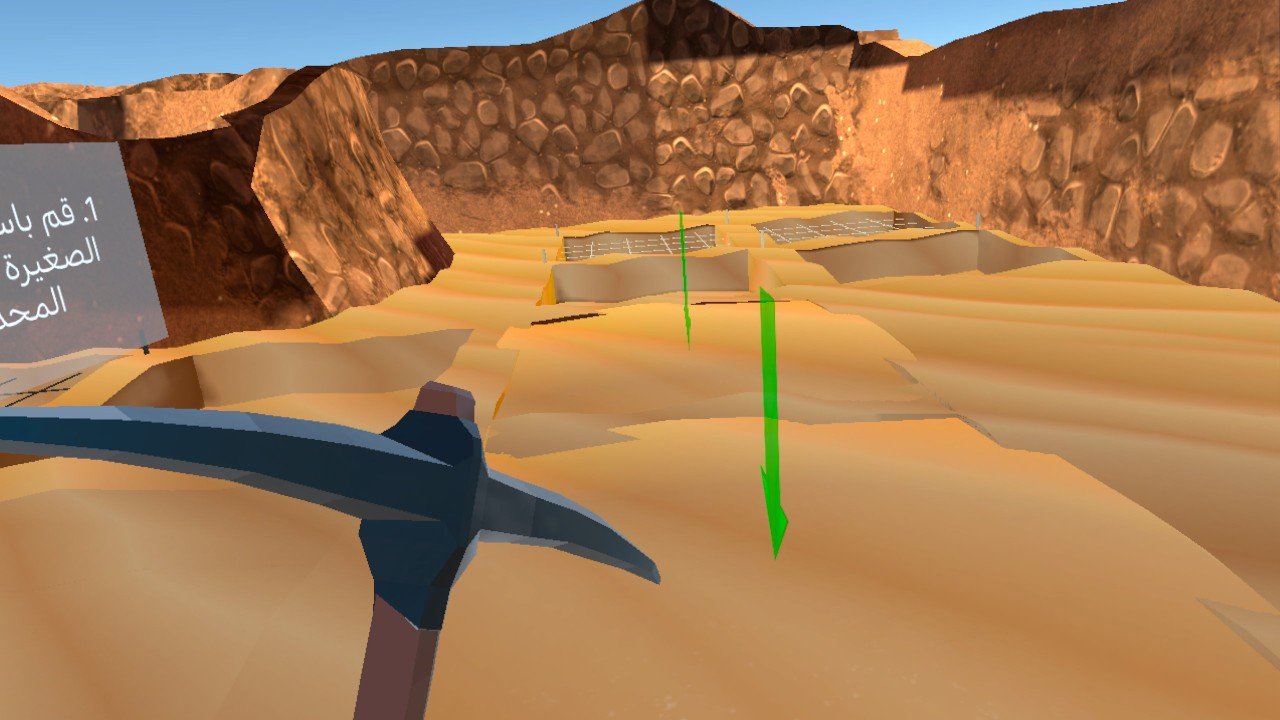
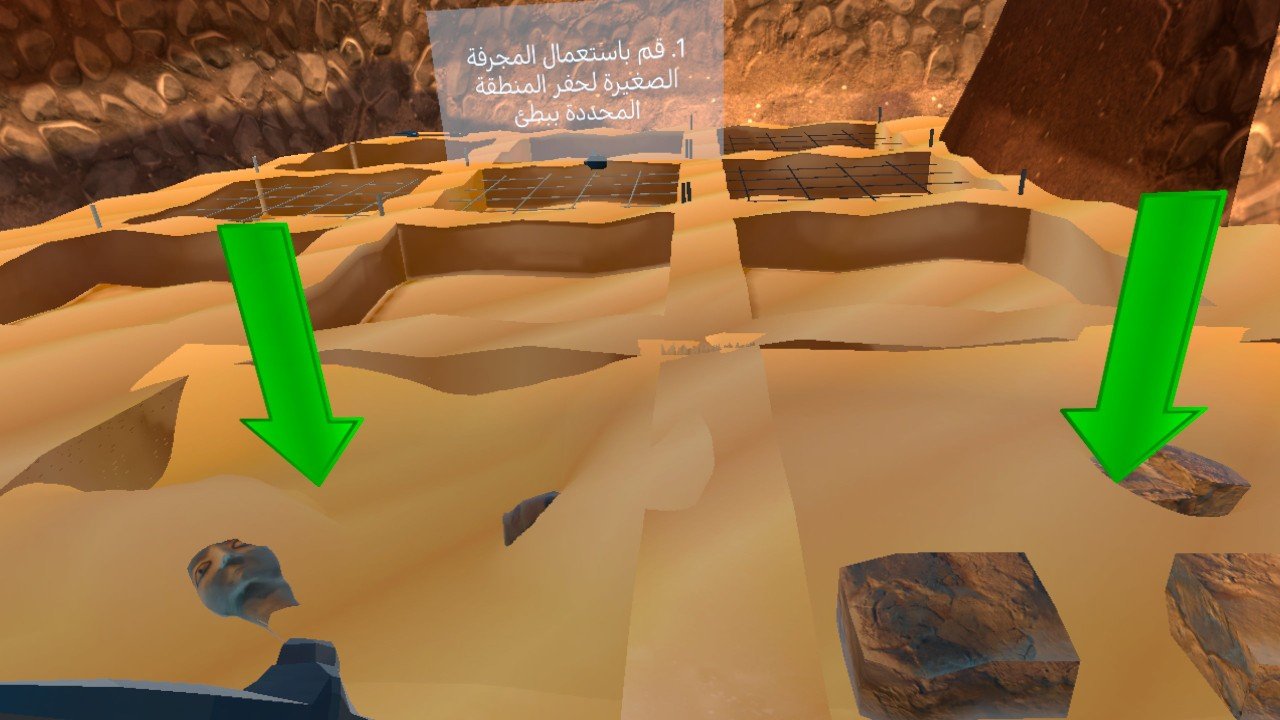
People didn't know where to start, so green arrows now point to each dig spot.
A pickaxe you can actually hold
In real life, a pickaxe is held with two hands. In VR, it kept rolling out of people's hands and flying away. We added marked grip points showing exactly where to hold it.
Tools that don't get lost
The pickaxe sometimes sank into the sand or flew off where nobody could reach it. This was fixed in code so the tools always stay usable.
Digging slowly, like real archaeologists
The instructions ask people to dig carefully so they don't break the statue, just as on a real excavation.
Readable instructions
At first, the text panel followed the user's head and stayed stuck in their face. We moved it into the scene as a fixed panel with a background, so it's easy to read. Narration plays alongside the text, as in the statue project.
Clear progress
After each step, a "Good job" message appears along with what to do next.
Realistic, but light enough to run smoothly
Early versions caused a lot of motion sickness. The cause was heavy, high-resolution textures making the headset lag. The stones and materials were adjusted to look accurate for the period, but kept simple enough to run smoothly on the Quest, because in VR, lag doesn't just look bad, it makes people feel sick.
The hardest problem: digging
Removing sand realistically in VR was much harder to build than anything in the statue project. We tested different approaches, including simply clicking to reveal the statue. But that would have skipped the very process we wanted people to learn, so we kept searching until we found a Unity plugin that let people actually dig.
Testing
I first tested the experience with 5 colleagues and faculty members at the university, observing them face to face and checking each step. After fixing the issues, 150 people, mostly students aged 18 to 25, tried it in the university lab. They answered five knowledge questions about the excavation process before and after, and rated the experience in a survey.
Results
- People learned the process. The average score on the knowledge questions rose from 1.73 to 2.58 out of 5, and 86 people improved. "I don't know" answers dropped from 43% to 8%.
- The grid made sense. Knowing that the team first marks the site into squares rose from 39% to 67%.
- People wanted more. 88% would recommend it, and 88% want more VR experiences about historical discoveries. 87% said it helped them picture the discovery process clearly.
What didn't work
- Holding the tools was the biggest struggle, even after the grip points were added. Controls scored 4.09 out of 5, lower than most items.
- The setting felt closed. Compared with the open village in the statue project, the dig pit felt enclosed, and people connected with it less emotionally (3.94 out of 5).
- Comfort wasn't fully solved. 15% still reported some dizziness or discomfort.
- The surprise: people learned the wrong tool. Asked which tool is used for careful hand digging, the correct answer is the small brush. But the pickaxe answer tripled, from 24 to 72 people, while the brush barely moved. People learned the tool they held the most, not the one the text described.
What I'd change next
- Put the brush in people's hands for the careful digging step, so the tool they use is the tool they remember.
- Rebuild the tools' grip so holding them feels natural from the first try.
- Open up the setting, so the dig feels connected to the wider landscape rather than enclosed.
What I learned
In VR, people learn with their hands. What they physically do teaches more than anything they read or hear, which is powerful, but it also means every interaction has to teach the right thing. Choosing to build real digging instead of a simple click was the right call, and the pickaxe result shows why the details of that interaction matter so much.